
Understanding LG Dryer Error Codes


When your LG dryer displays an error code, it can be a bit alarming. However, these codes are designed to help you identify and diagnose issues quickly. Understanding what each code means can save you time and money by addressing problems before they escalate.
Common LG Dryer Error Codes
LG dryers are equipped with a range of error codes that indicate different issues. These codes are usually displayed on the dryer's digital display. Here’s a rundown of some common codes and what they mean:
- tE1 or tE2: These codes indicate a temperature sensor error. It may be due to a faulty sensor or wiring issues.
- nP: This code suggests a power issue, often related to the power cord or outlet.
- OE: This error means that there is an issue with the dryer's exhaust system, possibly indicating a blockage.
Resolving Temperature Sensor Errors
Diagnosing tE1 or tE2
If you encounter a tE1 or tE2 error code, it generally points to a problem with the temperature sensor. This sensor monitors the heat level within the dryer to ensure safe and efficient operation. Here’s how you can address this issue:
- Unplug the dryer and let it cool down for a few minutes.
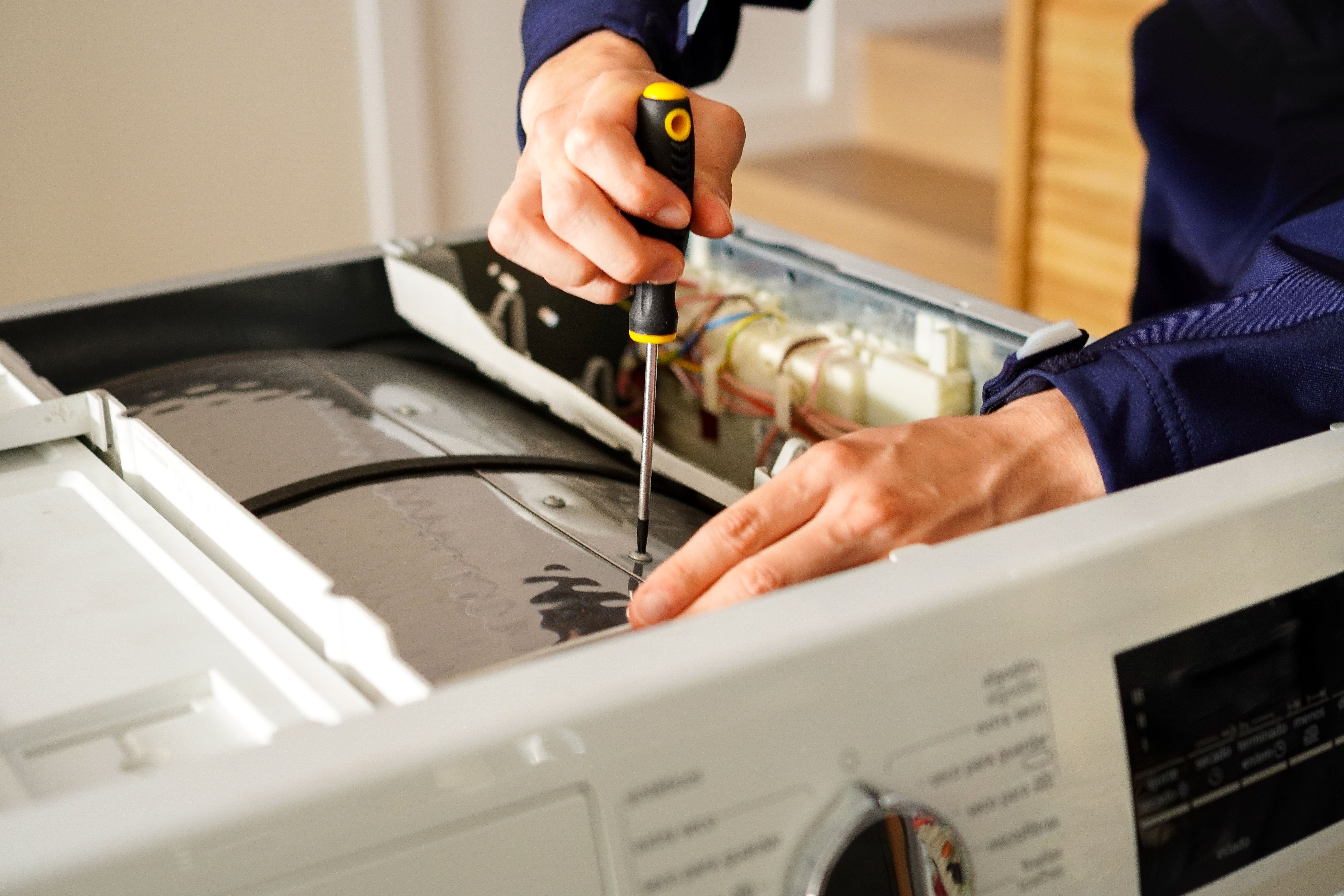
- Check the wiring and connections to the sensor. Look for any visible damage or loose connections.
- If the problem persists, the sensor may need replacing. Consult your user manual or contact a professional for assistance.
Handling Power Issues
Understanding the nP Code
The nP error code often signals a power problem. To troubleshoot this issue, follow these steps:
- Ensure the dryer is plugged into a working outlet. Test the outlet with another device to confirm it’s operational.
- Inspect the power cord for any signs of damage or wear.
- If necessary, replace the power cord or consult an electrician to examine the outlet.
Exhaust System Blockages
Clearing OE Error
An OE error code can indicate that the exhaust system is blocked, restricting airflow and reducing efficiency. Here’s how to tackle this problem:
- Turn off and unplug the dryer.
- Check the vent hose and exhaust duct for lint build-up or obstructions.
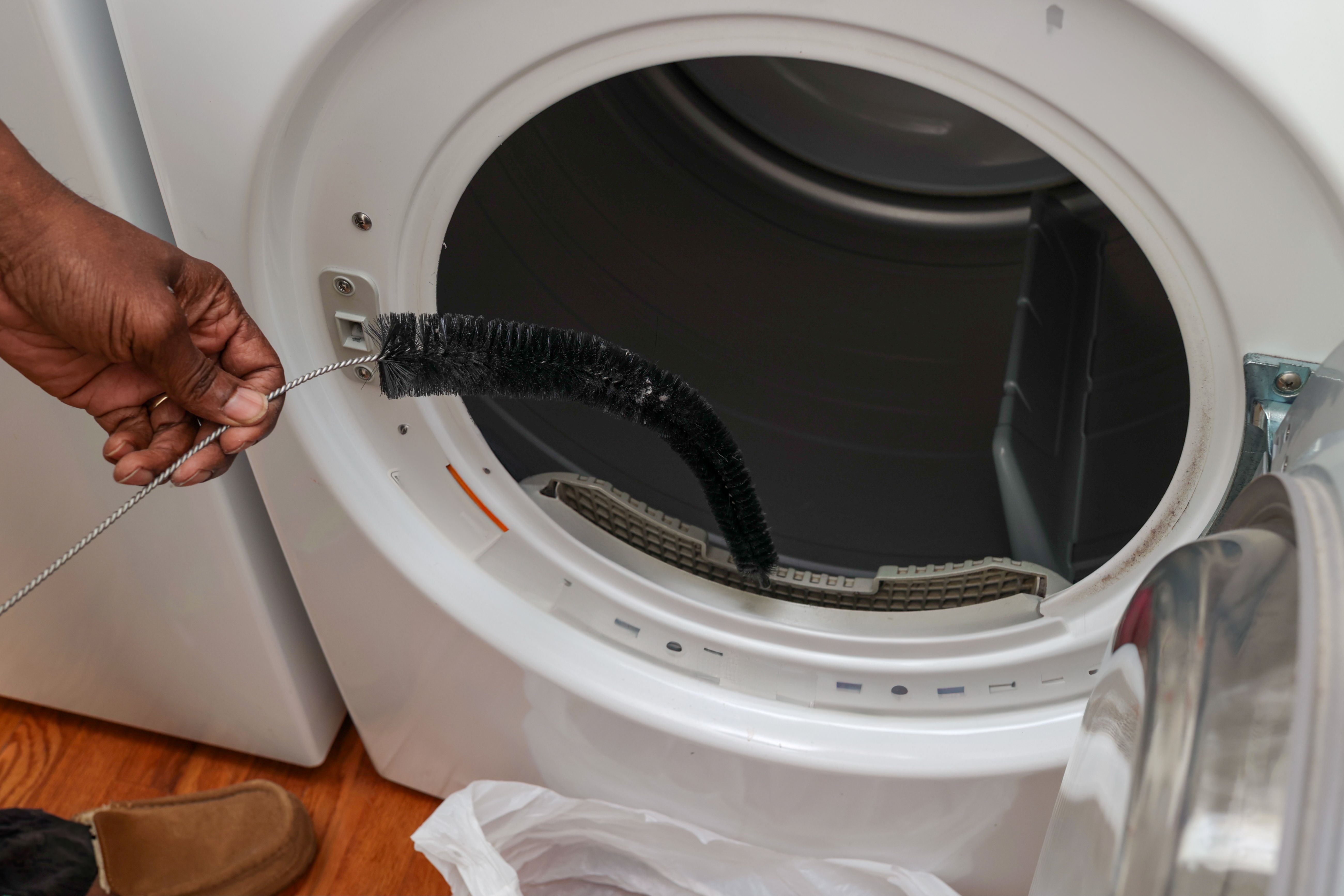
- Clean the ducts thoroughly using a vacuum or a dryer vent brush.
- Reattach everything securely and run a test cycle to ensure proper airflow.
By understanding these common error codes and knowing how to address them, you can keep your LG dryer running smoothly and efficiently. Regular maintenance and prompt attention to warnings can extend the life of your appliance and prevent costly repairs.